Build
MCP
One MCP server, mcp.deep-thought.cloud, for connecting your AI agents to your knowledge.
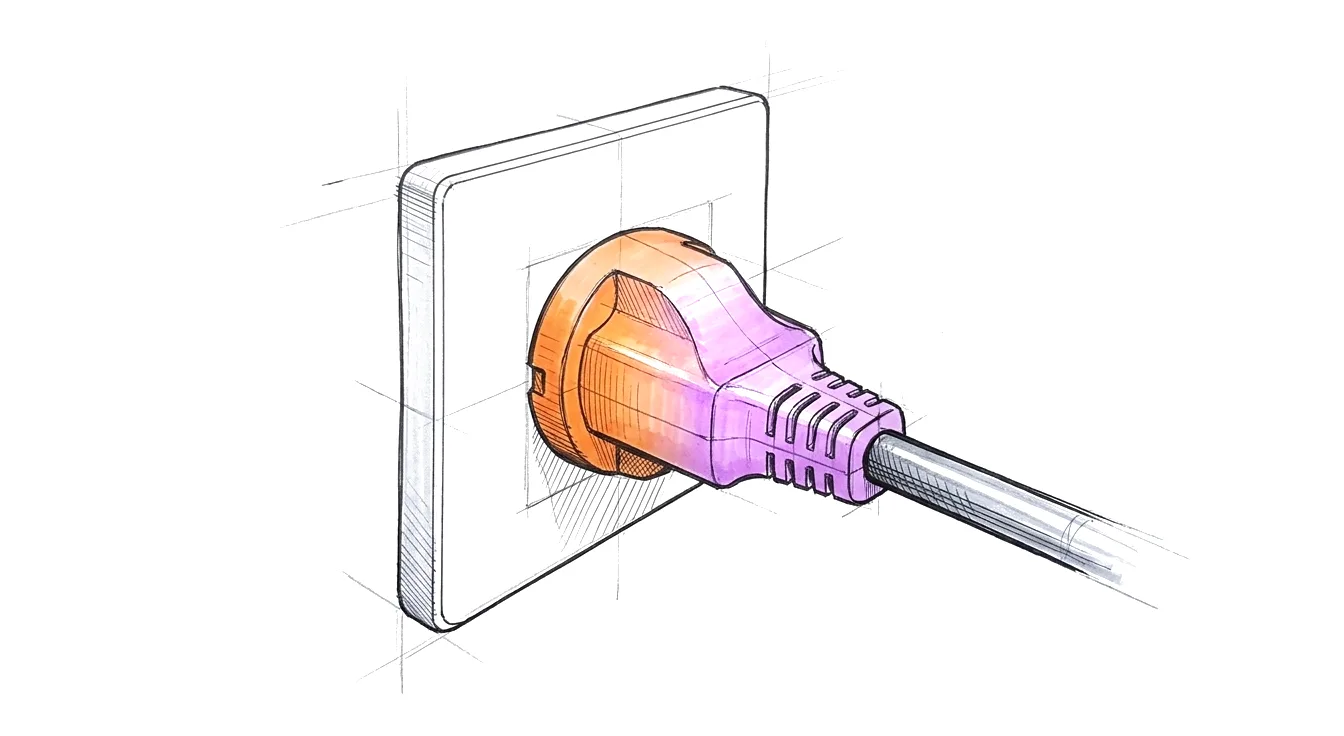
One MCP server connects an AI assistant to your knowledge. It is part of Premium.
- Endpoint
https://mcp.deep-thought.cloud/mcp- Transport
- Streamable HTTP.
- Sign-in
- OAuth 2.1. You approve the assistant once, in the browser, with your Deep Thought account. There is no key to copy.
- Scopes
kb:readandgraph:readby default.kb:writeis optional.- Plan
- Checked on every call. An account that leaves Premium loses access on its next call.
- Revoke
- In the Web App, under Settings, Devices. The token stops working on the server at once.
The 20 tools
Ask and search
| Tool | What it gives the assistant | Scope |
|---|---|---|
ask | A question in plain language, answered from your sources, with citations. | kb:read |
search | Semantic search across your sources, optionally narrowed by tag. | kb:read |
Sources
| Tool | What it gives the assistant | Scope |
|---|---|---|
list_sources | Your sources, most recent first, optionally by tag, or by whether they have a note and what it says. | kb:read |
get_source_extraction | One source, structured: by default its decisions, actions, quotes, open questions and speakers; ask for the people and topics it mentions, or everything. No transcript. | kb:read |
get_source_transcript | One source’s full transcript, with speaker names where they are known. | kb:read |
list_speakers | The people your account knows by voice. | kb:read |
list_tags | The tags you have set on your sources, 50 at a time, searchable by name. | kb:read |
list_upcoming_meetings | Your calendar meetings for a day, and whether the meeting notetaker will record each. No meeting links. | kb:read |
People, organisations and topics
| Tool | What it gives the assistant | Scope |
|---|---|---|
list_entities | The people, organisations, projects and topics across your sources, one entry each. | kb:read |
get_entity | One of them: name, aliases, type and how often it appears. | kb:read |
get_entity_related | What it is connected to, and the sources it appears in. | kb:read |
get_entity_neighborhood | Its connections one to three steps out, in one bounded call. | graph:read |
graph_search | Find people, organisations and topics by name. | graph:read |
Over time
| Tool | What it gives the assistant | Scope |
|---|---|---|
list_verticals | The verticals that have grown from your tags, feeds, people and projects. | kb:read |
get_vertical_summary | One vertical’s current picture across all its sources. | kb:read |
list_insights | Insight chains: how a tag’s content has developed, in time order. | kb:read |
get_insight | One insight chain. | kb:read |
Write and check
| Tool | What it gives the assistant | Scope |
|---|---|---|
create_action | Create an action item. | kb:write |
set_source_note | Write, replace or clear the one note on a source, shared by everyone in the account. Never reprocesses the source. | kb:write |
ping | Check the connection and that the token is valid. | – |
Connect an assistant
Claude Desktop
Claude Desktop or claude.ai: add a custom connector with the endpoint above, then approve in the browser. About three minutes, no command line.
Claude Code
Claude Code: one command, then approve in the browser on the first call. About five minutes.
claude mcp add dt-cloud --transport http https://mcp.deep-thought.cloud/mcp
What it does not do
- It does not change your recordings, transcripts or extractions. 18 of the 20 tools only read; the 2 that write, create_action, set_source_note, need the kb:write scope.
- It is not a local server. Nothing is installed on your machine apart from the assistant itself.