Build
API
The Deep Thought Cloud REST API for your own systems, part of Enterprise: authentication, upload, sources, search and actions.
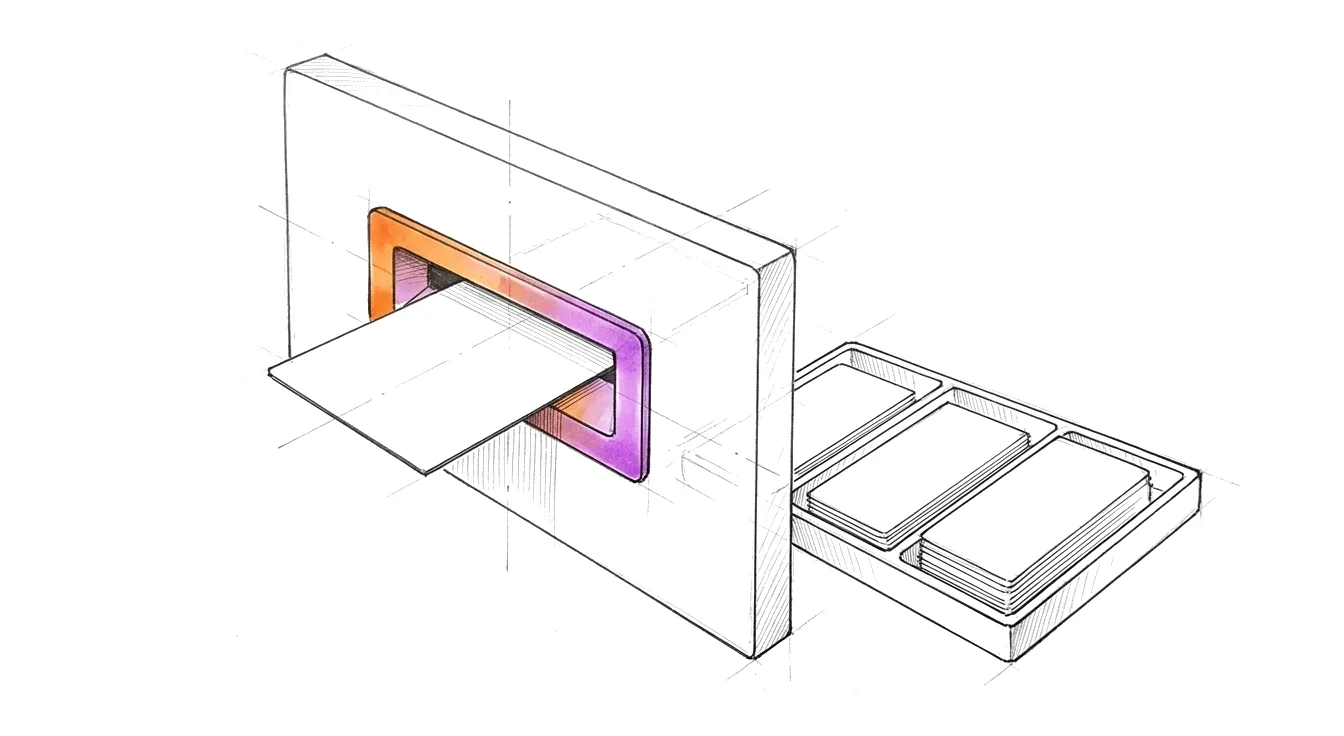
The REST API is the platform the apps themselves use.
Base URL: https://api.deep-thought.cloud/api/v1
Authentication
Send a token on every request: Authorization: Bearer <token>.
- Device token, use this today
- Starts with
dtd_. Deep Thought issues it for your account; it is shown once, so store it as a secret. Revocable at any time in the Web App under Settings, Devices. Scopes:kb:read(reading and search) andkb:write(uploads, tags, actions). Trillian uses one too. - API keys, Enterprise, coming
- For server integrations: one key per system, scoped and revocable, created by an account owner or admin in the Web App, sent the same way (
Bearer dtk_...). Not switched on yet, and no date is set. Moving from a device token changes only the token you send. - Passwords and HTTP Basic: for the apps only
- Signing in with e-mail and password, and HTTP Basic, are for the Deep Thought apps. Do not build an integration on them. Using them from a script is being retired for every plan: notice on 2026-10-16, end on 2026-11-16. From the end date a script gets
401. - OAuth, for MCP clients
- Issued when you sign in from an AI assistant. See the MCP page.
Plans
The REST API for your own systems is part of Enterprise, with API keys once they are switched on. MCP is part of Premium.
The Web App, record-me and Trillian use the same API and work on every plan.
Each endpoint needs the plan its feature belongs to; otherwise the answer is 402 plan_required. The reference marks every endpoint with its plan and scope.
The main endpoints
Paths are relative to the base URL.
| Method | Path | What it does |
|---|---|---|
POST | /sources/upload | Upload a file for processing: audio, video, PDF, image or document. Optional language hint and tags. Answers with a task id. |
GET | /sources/tasks/{task_id} | The upload task: gives the source key once it exists. |
GET | /sources/{id}/status | The processing status of one source. |
GET | /sources | Your sources, with paging and filters (tag, text, content type). |
GET | /sources/{id} | One source: transcript and extraction. |
POST | /search | Semantic search across your sources, optionally narrowed by tag. |
GET | /actions | Your action items. |
POST | /actions/create | Create an action item. |
Every endpoint, scope, limit and error code is in the API reference, also as Markdown for AI agents and other systems.
Read the API reference reference.md
Upload, wait, read
With a token, from a terminal (the reference's quick start, shortened):
# Your token; never commit it.
export DT_TOKEN="dtd_..."
API=https://api.deep-thought.cloud/api/v1

# 1. Upload. A new file answers with a task_id.
TASK=$(curl -s -X POST "$API/sources/upload" -H "Authorization: Bearer $DT_TOKEN" \
  -F "file=@meeting.m4a" -F "language=sv" | jq -r '.task_id // empty')

# 2. Wait for the source key, then for the transcript.
until KEY=$(curl -s "$API/sources/tasks/$TASK" -H "Authorization: Bearer $DT_TOKEN" \
    | jq -r '.result.cache_key // .cache_key // empty') && [ -n "$KEY" ]; do sleep 10; done
until [ "$(curl -s "$API/sources/$KEY/status" -H "Authorization: Bearer $DT_TOKEN" \
    | jq -r '.status.transcription.status')" = "completed" ]; do sleep 30; done

# 3. Fetch the source: transcript, title, summary and extraction.
curl -s "$API/sources/$KEY" -H "Authorization: Bearer $DT_TOKEN"
What it does not do
- It does not push results to you. Poll the status endpoint.
- It does not take a password from a script. Use a token.
What is planned is on the integrations page. Integrations